With Flipped Channels, teachers can easily create and upload educational videos, while staff manage the school’s video bank using Video On Demand (VOD). This platform enables students to study at their own pace, eliminating time and location barriers. Teachers can further customize videos by embedding subtitles and posing questions at set intervals to assess learning.
Shaping Teaching Approaches
to Promote Self-Directed Learning
Create and Upload Educational Videos
Easily record videos using the Teacher App and upload them to Flipped Channels
Build Rich Video Content
Add subtitles, reference materials, and questions to the videos for use at all class stages
Analyze Student Pre-Lesson Performance
Review students’ video views and quiz results to assess their understanding and adjust lessons for better effectiveness
One-Stop Video Management
Effortlessly manage videos through VOD, allowing students to access content anytime, anywhere
Integrate with eClass eLearning Solutions
Combined with PowerLesson, it builds the school’s video bank, promotes long-term student self-directed learning, and supports learning beyond the classrooms
PowerLesson integrates with Flipped Channels
to effortlessly create lesson plans across all class stages
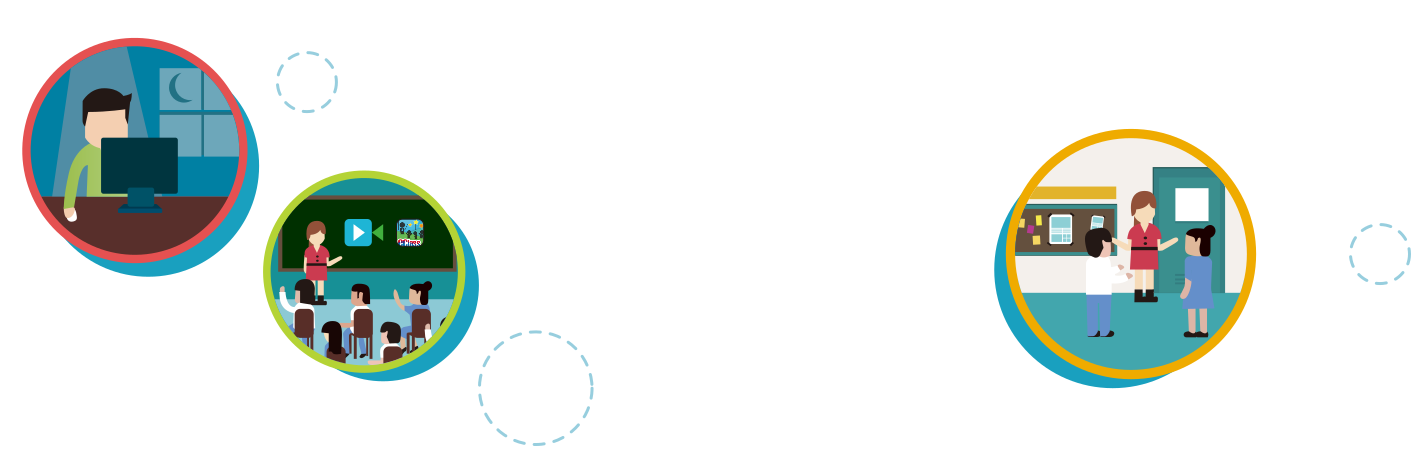
Pre-Lesson Preparation: Flip Your Classroom
Teachers can easily record or upload educational videos using smartphones or tablets
Pre-lesson exercises help track students’ preparation progress, allowing teachers to adjust their teaching strategies accordingly
Analyze students’ pre-lesson data to maximize class time by addressing challenges and reinforcing concepts
In Lesson Engagement: Student-Centered Interactive Learning with PowerLesson
Led by teachers, PowerLesson’s interactive features (such as polls, discussions, concept maps, and creative tools) actively engage students and promote collaborative learning
Powerful learning tools inspire creativity, gather data, encourage peer assessment and collaboration, also to support diverse learning needs